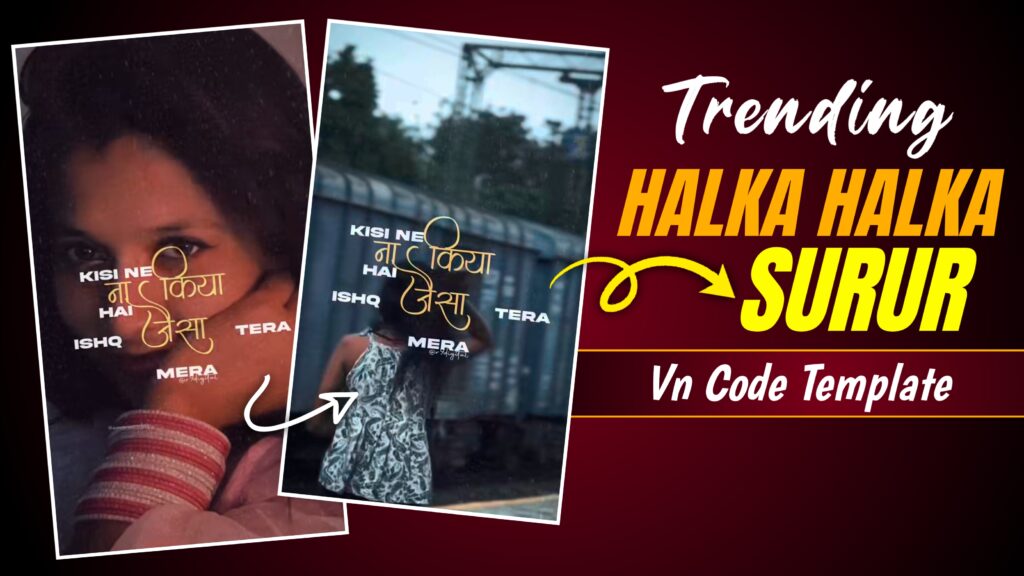

You have surely come across such videos on Instagram and wondered if they can be created using just a single photo—and if so, how. You won’t have to waste hours on editing; so today, I’ll show you how easily you can create such a video using a VN code. I’ll explain everything in the steps ahead.
Why Is This Template Going Viral ?
Social media is always abuzz with various trends, and one such trend involves a video that starts with song lyrics appearing against a black screen, accompanied by a glitch effect. Just as the song hits a key moment, an image appears on the screen—also displaying the lyrics—creating a visually stunning effect. That is why so many people are creating and posting these videos on social media and garnering a significant number of views; thanks to this trend, the song is making a comeback and trending again, despite being an older track. I have explained the process of creating this video in great detail; if you read the instructions carefully, you will easily be able to create one yourself.
Details Of Halka Halka Capcut Template
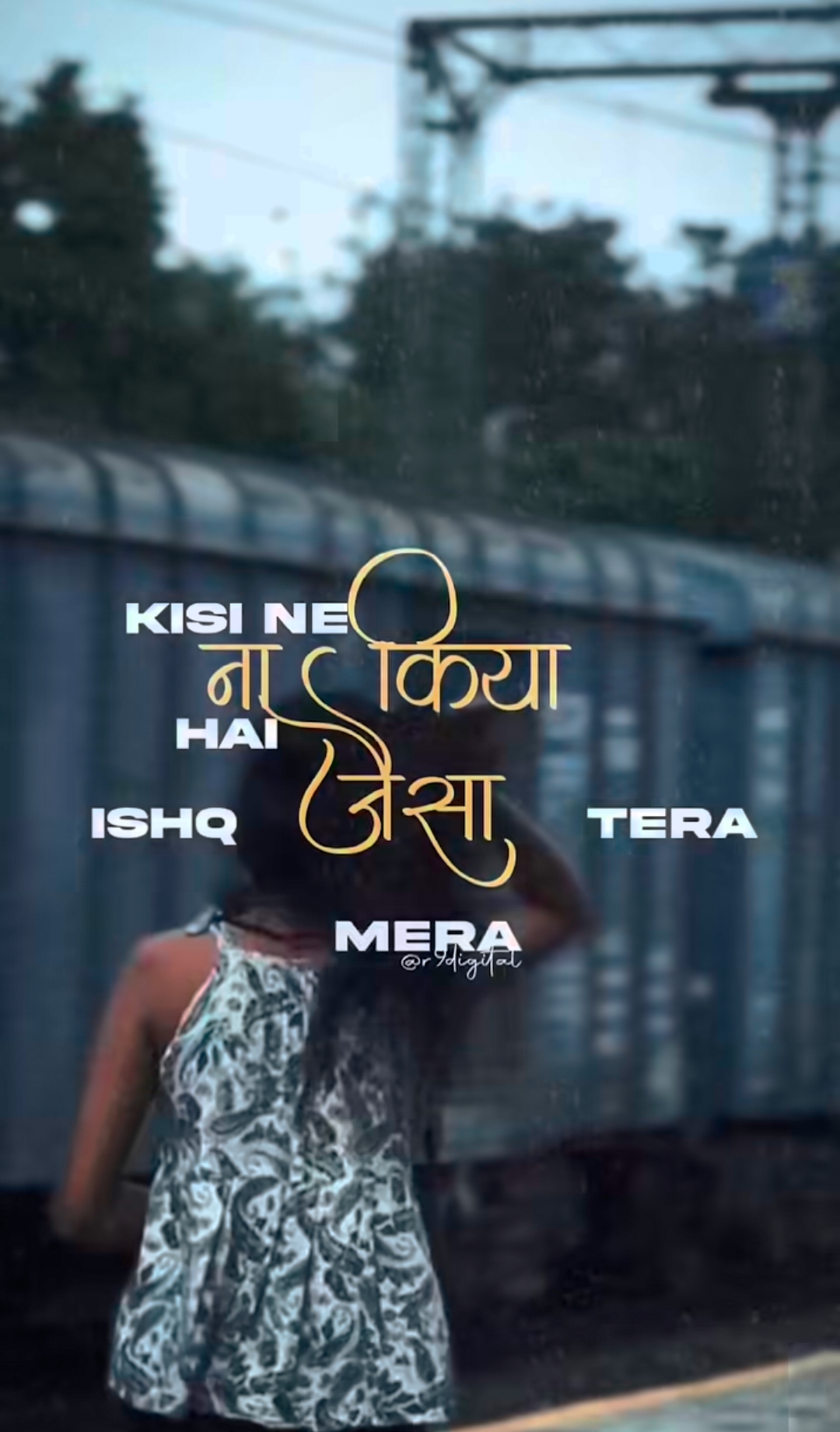
Creating a video like this is incredibly easy. It starts with a black screen displaying some of the song’s lyrics, set against a background featuring flashback and glitch effects. Then, at the perfect moment in the song, a photo appears with the lyrics playing over it; the lyric overlay is blended using the ‘Screen’ mode, and the simple font choice gives the video a flawless look.

How To Create Video With Vn Code?
To create this video, I have provided a VN code in this article; simply long-press the code to download it. Next, install the VN app from the Play Store or App Store and open it. Once the app is open, you will see a ‘Scan’ option right next to [YOUR PROJECTS]—click on it. Clicking this will open your gallery within the VN app; scan the downloaded VN code, and the template will appear. Then, click the [USE] option at the bottom, select your clip, and tap ‘Next’. Your video will be generated, and you can then export and save it to your gallery.
Conclusion
There is one very important thing to keep in mind when using a template: do not just add random clips. Instead, select high-quality clips that fit perfectly into the video so that the final result does not suffer.
I hope I have explained this clearly. However, if you have any doubts or didn’t quite understand something, feel free to ask in the comments, and I will do my best to explain it to you.
Thank you.