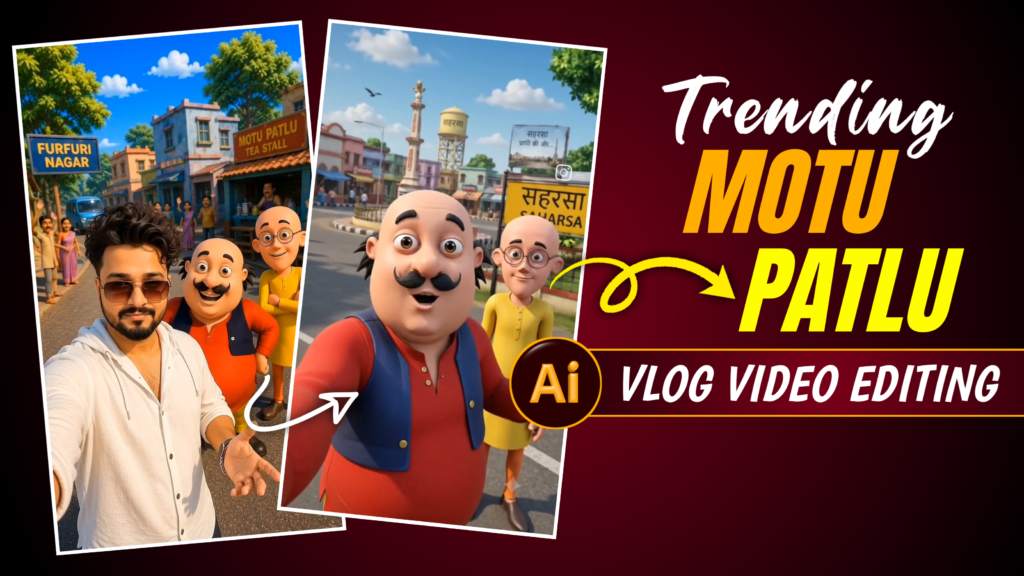

Motu Patlu Ai Video Editing Prompt –
You have surely watched the *Motu Patlu* cartoon at some point. People are now creating and uploading viral social media videos featuring *Motu Patlu* in village, city, and shop settings. In this article, I will teach you how to create such videos, covering the entire process—from generating images of *Motu Patlu* to producing the final video.
The Process Of This Video Editing
You don’t need to take photos or record videos to create this kind of content; you can easily make such videos with the help of AI. The AI handles the entire process—you simply need to generate a single image, and the video will be created from it. You can make characters like Motu and Patlu say whatever you want, and the AI will generate the video exactly to your specifications (provided the content doesn’t involve violent speech). Let me walk you through the step-by-step process of creating such a video.
How To Create Ai Image?
To make a video, first of all we will need a photo, for this you have to first copy the image prompt, so copy whichever image prompt you like, after that you have to open Chat GPT, there you will see a + icon on the bottom side, from there you have to add a photo, which photo you will find in this article, after adding the photo you have to paste that image prompt in Chat GPT, and add the name of your village or city there and send it, after that you have to wait for some time, AI will itself create such an image and give it to you.
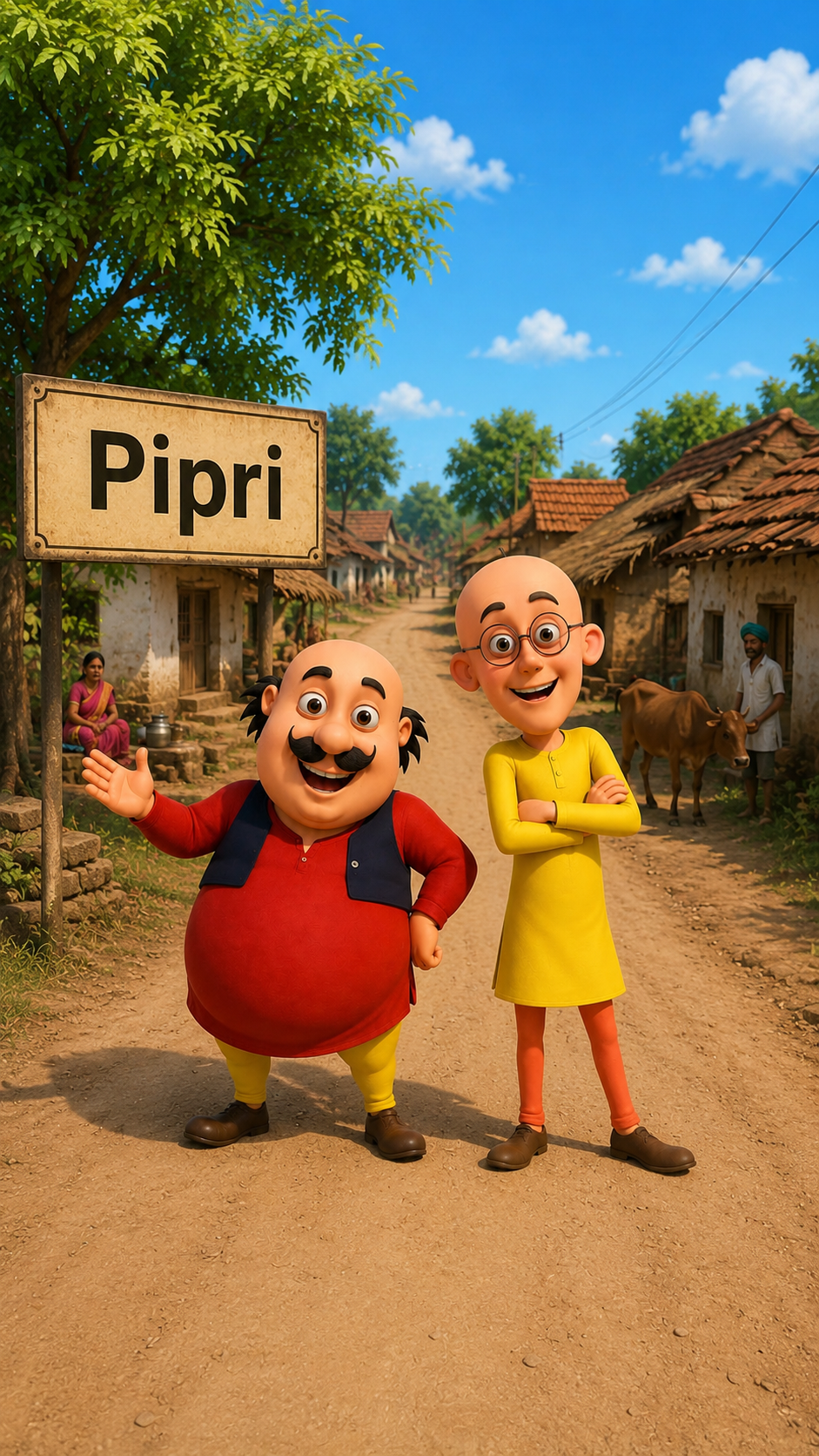
1. IMAGE PROMPT –
Edit this image only. Replace the village name on the main roadside welcome sign with “[YOUR VILLAGE NAME]” in the same large white font, perfectly centered, matching the original font style, size, spacing, perspective, weathering, and road-sign design exactly. Do not add or remove any extra text. Keep the two cartoon characters exactly the same with identical facial expressions, poses, clothes, proportions, and 3D animated appearance. Do not change the village road, houses, trees, sky, lighting, colors, shadows, sign shape, camera angle, or any other element. Only change the village name on the sign. Make the edit seamless and natural as if it was part of the original image. Maintain the original high-quality 3D animated cartoon style with realistic sign typography. Ultra HD, sharp details, vertical 9:16.
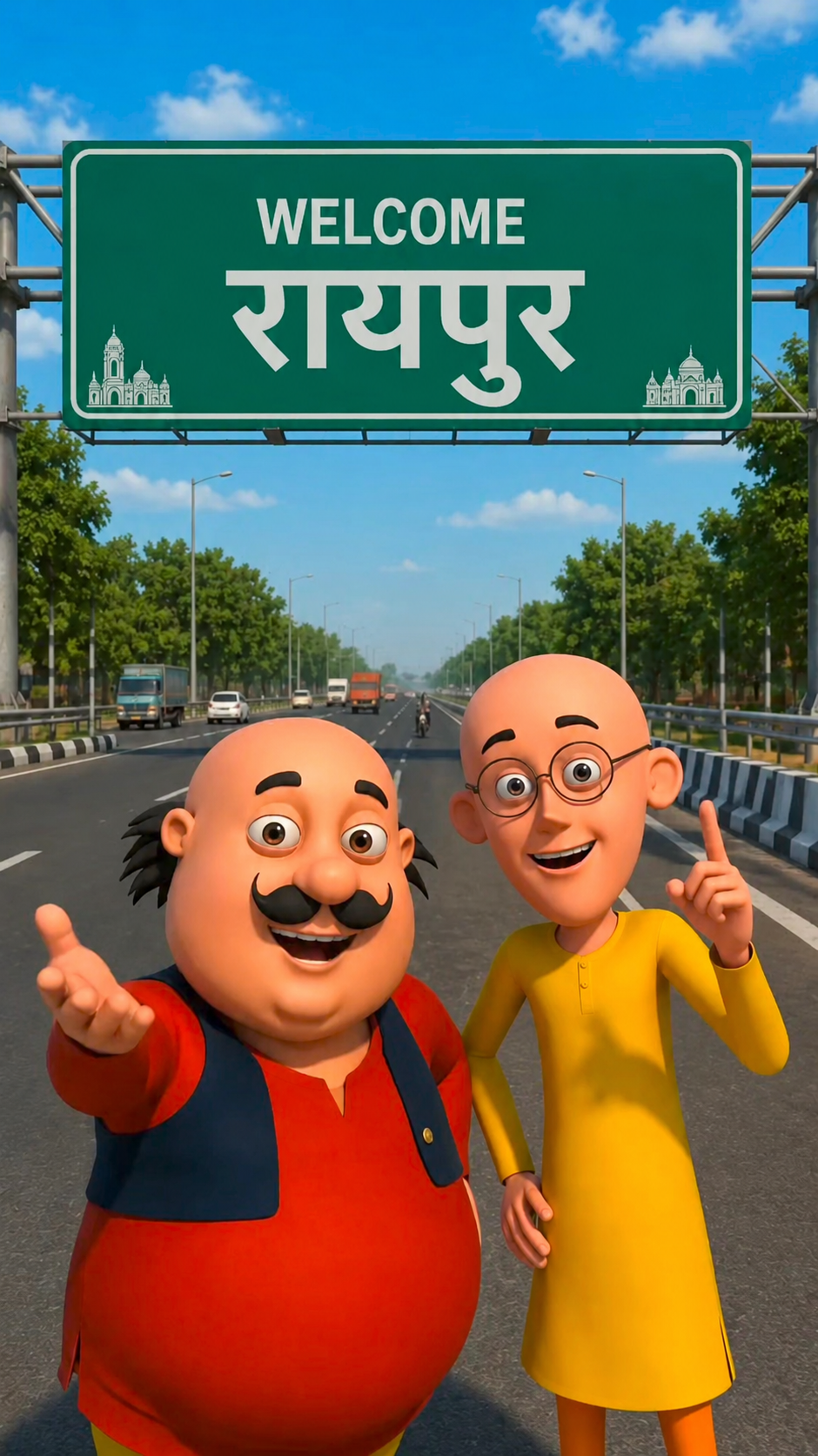
2. IMAGE PROMPT –
Edit this image only. Replace the word “रायपुर” on the main green highway welcome sign with “[CITY NAME]” in the same large white Devanagari font, perfectly centered, matching the original font style, size, spacing, perspective, and road-sign design. Keep the “WELCOME” text unchanged. Do not change the two cartoon characters, highway, trees, sky, lighting, colors, sign shape, or any other element. Maintain the original 3D animated cartoon style with realistic road-sign typography. Make the edit seamless and natural, ultra HD, high quality, vertical 9:16.
1. VIDEO PROMPT –
Animate this exact image only. Keep the same two funny 3D cartoon friends, the roadside welcome sign, village road, houses, trees, sky, lighting, colors, shadows, sign shape, camera angle, and overall composition completely unchanged. The characters naturally blink, smile, breathe, and make subtle hand gestures. The chubby character points toward the welcome sign while the slim character looks around happily. Add gentle wind, soft cloud movement, and a slow cinematic camera push-in with slight left-to-right movement. Replace only the village name on the welcome sign with “[YOUR VILLAGE NAME]” in the same large white font, perfectly centered, matching the original font style, size, spacing, perspective, weathering, and realistic Indian roadside sign typography. Maintain the original high-quality 3D animated cartoon style, Ultra HD, 8K, smooth animation, vertical 9:16. Generate perfectly synchronized Hindi lip-sync dialogue.
Dialogue:
मोटू: “पतलू, हम [YOUR VILLAGE NAME] गांव पहुंच गए!”
पतलू: “वाह मोटू! यहां का नज़ारा तो सच में बहुत सुंदर है।”
2. VIDEO PROMPT –
Animate this exact image only. Keep the same two funny 3D cartoon friends, the green highway welcome sign, road, trees, sky, lighting, colors, sign shape, and overall composition completely unchanged. The characters should naturally blink, smile, breathe, and make subtle hand gestures while standing in place. The chubby character points toward the welcome sign, while the slim character nods and raises one finger. Add gentle wind moving the trees, soft cloud movement, and realistic sunlight with subtle moving shadows. Use a slow cinematic camera push-in followed by a smooth left-to-right movement, keeping both characters and the welcome sign perfectly in frame. Keep the “WELCOME” text unchanged and replace only the city name on the green sign with “[CITY NAME]” in the same large white Devanagari font, perfectly centered, matching the original font style, size, spacing, perspective, and realistic Indian highway sign typography. Maintain the original ultra-detailed 3D animated cartoon style with vibrant colors, realistic textures, cinematic lighting, smooth animation, sharp focus, Ultra HD, 8K quality, vertical 9:16. Generate perfectly synchronized Hindi lip-sync dialogue.
Dialogue:
मोटू: “हम लोग छत्तीसगढ़ के फेमस शहर रायपुर में आ गए हैं।”
पतलू: “वाह मोटू! यहां का नज़ारा तो सच में काफी अच्छा लग रहा है।”
How To Genrate This Video ?
To create a video like this, we will use the YT Create app; you can install it from the Play Store. If you look at the top, you will find a video prompt option; copy the dialogue you want spoken in the video—or write your own if you prefer. Now, let’s open the YT Create app. You will see a ‘Generate Video’ option there; click on it, then tap the (+) icon to add the photo you created using ChatGPT. Paste the dialogue you copied, click ‘Generate,’ and shortly after, the AI will create the video for you.
Conclusion
I have explained in detail how to create a viral AI-generated ‘Motu Patlu’ style blog video. I hope you have understood the process clearly; by following the steps provided, you can create the exact kind of video you have in mind. If anything is unclear or if you have any doubts, feel free to ask in the comments.
Thank you.


Dialogue:
मोटू: “पतलू, हम [YOUR VILLAGE NAME] गांव पहुंच गए!”
पतलू: “वाह मोटू! यहां का नज़ारा तो सच में बहुत सुंदर है
Motu aur Patlu Vlog – Single AI Video Prompt (9:16)
Create a funny 3D animated vertical (9:16) vlog video featuring Motu and Patlu. Start with both characters holding a selfie camera and saying hello to the audience. They walk through the streets of Khagaria while talking and joking. Show busy roads, shops, trees, local market, and Indian traffic in the background. Motu happily eats hot samosas while Patlu laughs and records the vlog. Next, they visit a railway station, wave at passing trains, and continue exploring the city. Then they walk through a park, interact with people in a friendly way, and capture beautiful city views. End the vlog during sunset with both characters smiling at the camera, waving goodbye, and saying, “Like, Share aur Subscribe karna mat bhoolna!” Bright colors, cinematic lighting, smooth camera movement, ultra-detailed 3D animation, expressive faces, high quality, 4K, family-friendly, fun and energetic vlog style.