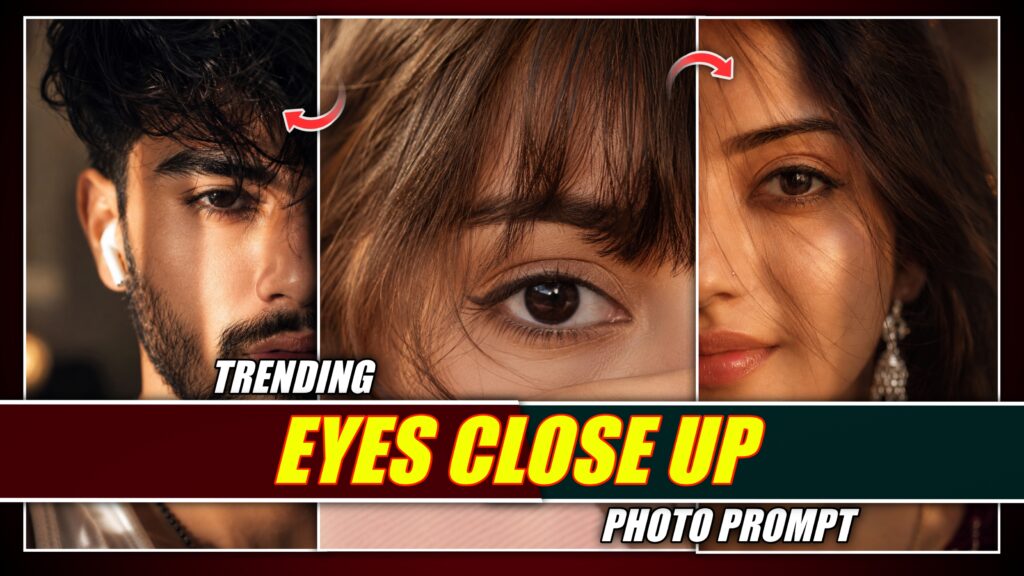

You must have seen such an image on Instagram which is going viral at the moment. You must have noticed that in this image, all the focus is on the eyes, due to which the eyes of the girls are visible in clear details, due to which the image looks even more beautiful. It does not seem that this photo was created with a phone. Looking at this image, it seems as if the photo was clicked with a big camera, but this photo was created not with a camera but with the help of Chatgpt, using photo prompt, on the phone itself. Everyone is liking such photos and such photos can be easily created by using selfie photos also.
What is the Eyes Close Up Photo Trend?
Close-up images of eyes are currently going viral on social media; because of the close-up perspective, the image quality reveals intricate details, making the picture look incredibly sharp and attractive. Creating these has become very easy with the help of AI, which is why people are making and posting them on social media—and these photos are being well-received by the audience.
How Can You Transform An Ordinary Photo Into A Cinematic Portrait?
Close-up images of eyes are currently going viral on social media; because of the close-up perspective, the image quality reveals intricate details, making the picture look incredibly sharp and attractive. Creating these has become very easy with the help of AI, which is why people are making and posting them on social media—and these photos are being well-received by the audience.
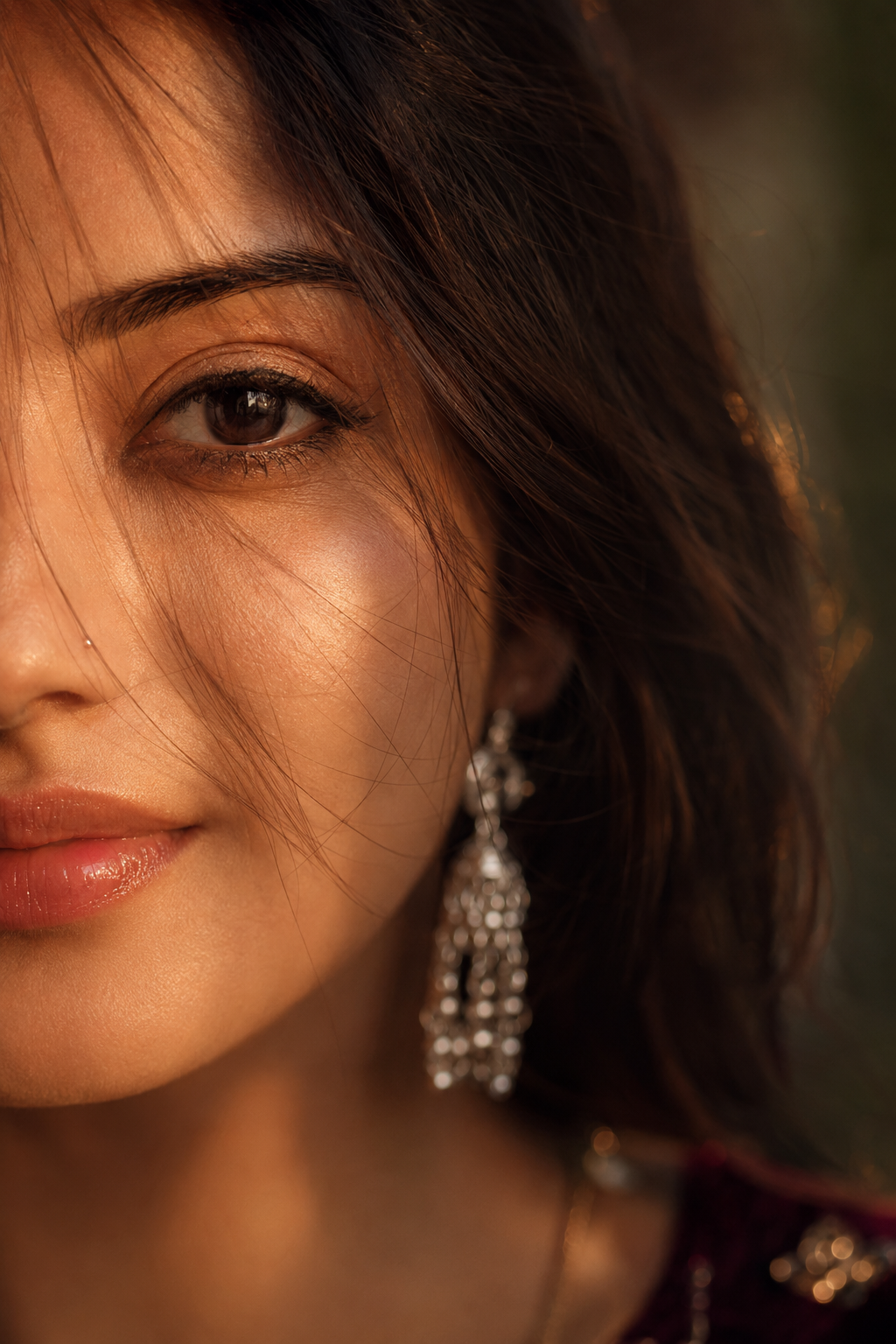
1. AI PHOTO PROMPT –
Ultra-close cinematic portrait of a young woman, only half of her face visible, warm golden-hour lighting, soft amber tones, loose dark hair strands falling across her face, deep brown expressive eye in sharp focus, subtle natural makeup, small nose piercing, glossy natural lips, long dangling silver earring, dreamy and intimate mood, shallow depth of field, creamy bokeh background, soft shadows, high skin texture detail, photorealistic, DSLR photography, 85mm lens, f/1.4, warm color grading, moody aesthetic, editorial beauty shot, ultra-realistic, 8K quality.
2. AI PHOTO PROMPT –
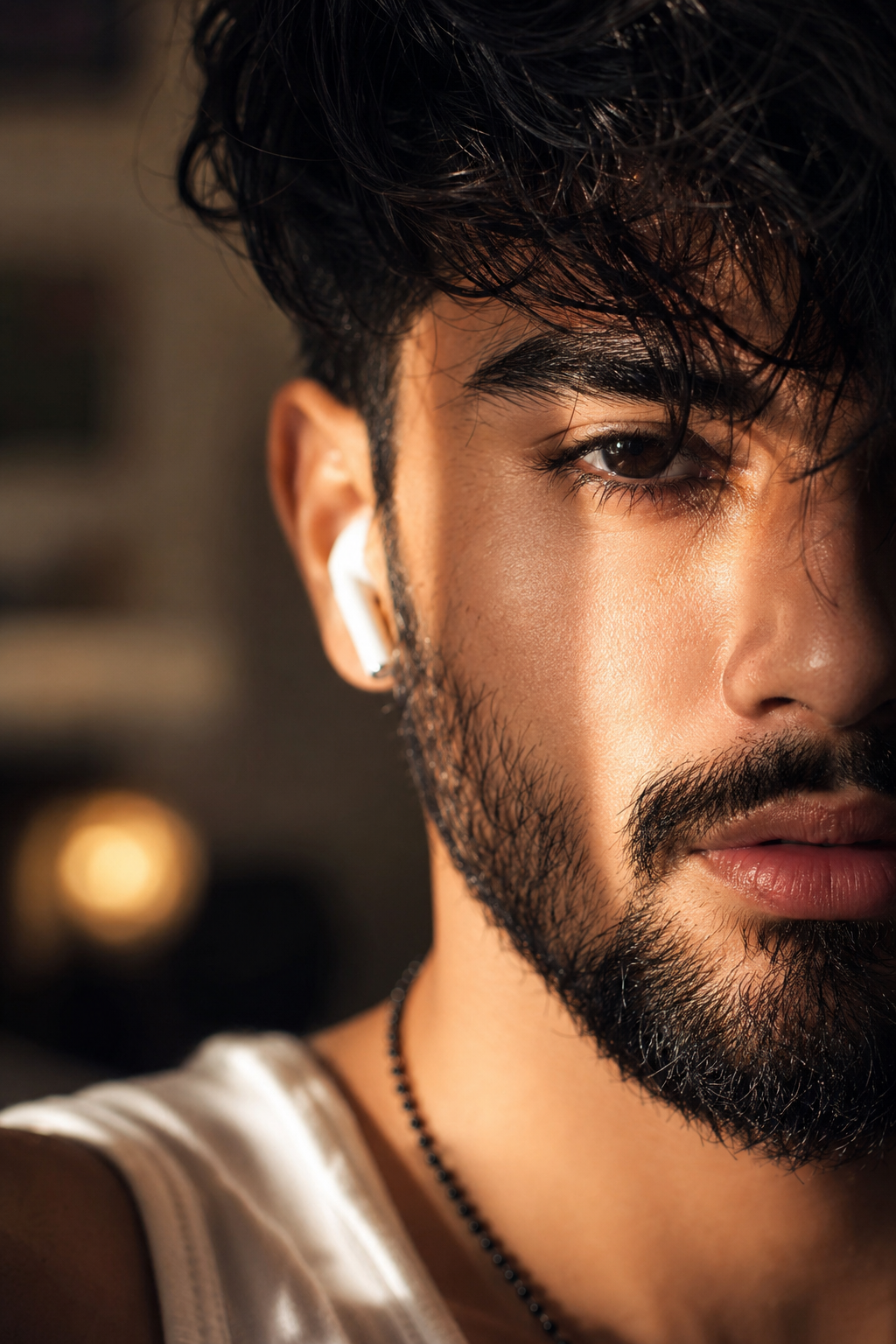
Ultra-realistic cinematic close-up portrait of a handsome young man, half face visible, thick messy wavy hair covering one eye, brown eyes, sharp eyebrows, natural beard and mustache, soft lips slightly parted, white wireless earbud, warm golden hour sunlight on face, dramatic shadows realistic skin texture and pores, shallow depth of field, blurred indoor background 85mm lens f/1.4, sharp focus, high contrast, photorealistic DSLR photography, Instagram aesthetic, ultra-detailed.
3. AI PHOTO PROMPT –
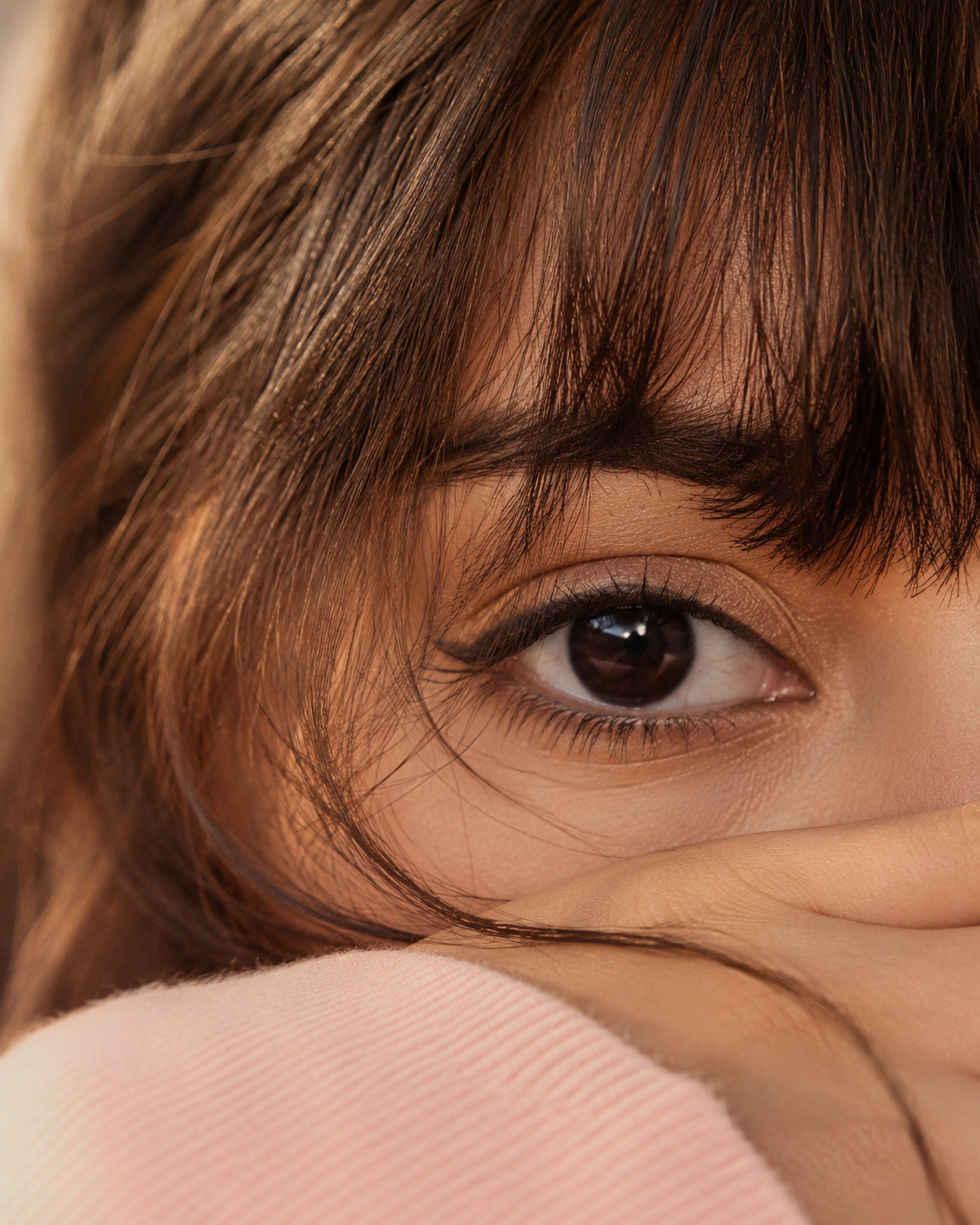
Use the uploaded reference image. STRICT EYE IDENTITY LOCK:Preserve 100% the exact same eye-identical eye shape, iris color, pupil, eyelids, eyelashes, eyebrow, skin texture, pores, and facial proportions. Do not beautify or alter any eye details.Ultra-realistic cinematic macro close-up of a single deep brown eye filling the frame, warm golden-hour sunlight, natural glossy catchlights, soft nude eye makeup, thin black winged eyeliner, thick natural eyebrow, ultra-detailed skin with realistic pores, a few loose hair strands crossing the face, hand softly covering the lower face, shallow depth of field, luxury beauty editorial photography, Canon EOS R5, 85mm lens, f/1.4, HDR, photorealistic, 8K, ultra-sharp, masterpiece, true-to-life colors. Negative Prompt: changed eye, different iris, different eyebrow, altered eyelashes, beautified eye, extra eye, blurry, soft focus, plastic skin, cartoon, anime, CGI, low quality, low resolution, distorted face, Al artifacts, watermark, text, logo.
How To Make Eyes Close Up Photo With AI?
To create a trending “eyes close-up” photo, first take a picture of yourself. Then, install ChatGPT from the Play Store or App Store and open the app. Tap the plus icon to upload your photo. Next, copy a prompt from this website—choose whichever one you prefer—and paste it into ChatGPT; the image will be generated shortly after. You won’t have to waste hours editing; with the help of the prompt, you can give your photo a cinematic look.
Conclusion
I have thoroughly explained how to create such an image; however, if you still face any difficulties or have any doubts, please let me know in the comments, and I will do my best to explain it to you.
Thank you.